
Why producers need AI music generation
The conversation around AI music has shifted. We are no longer talking about abstract demos that sound like generic elevator music. The current generation of tools is designed to integrate directly into the production workflow, offering practical assets rather than just finished tracks. For producers, the value lies in speed and iteration. You can generate a chord progression, extract stems for remixing, or create MIDI data to flesh out a sparse arrangement in minutes.
Most modern AI music generators now prioritize exportable formats. Instead of forcing you to work within a closed app, they allow you to download MIDI files, WAV stems, or project files compatible with major DAWs like Ableton Live, Logic Pro, and FL Studio. This flexibility turns AI from a novelty into a collaborative partner that handles the heavy lifting of initial composition.
This shift means you can use AI to overcome creative blocks. Need a unique percussion loop? Generate it. Want to explore a new harmonic direction? Let the AI suggest variations. The goal is not to replace your taste or technical skills, but to accelerate the process of getting ideas from your head into the timeline. By treating AI as a source of raw material, you maintain creative ownership while gaining a significant efficiency boost.
Suno handles full-track composition
Suno has become the go-to tool for producers who need to generate complete, radio-ready songs in seconds. Instead of just spitting out loops or drum patterns, the platform generates full arrangements with vocals, instruments, and structure. This makes it ideal for creating reference tracks, demoing song ideas, or generating stems that you can later remix in your DAW.
The interface is straightforward: you type a prompt describing the genre, mood, and instrumentation, and Suno builds the track. You can specify whether you want lyrics or an instrumental version. The quality is high enough that many producers use the output as a starting point for further editing rather than a final product. It’s less about replacing your workflow and more about accelerating the early creative stages.
For producers looking to integrate AI into their music production pipeline, Suno offers a reliable way to test musical concepts quickly. You can iterate through multiple variations of a song structure or style without spending hours programming MIDI. The generated audio is clean and well-mixed, saving time on basic arrangement decisions. This allows you to focus on the creative details that matter most to your specific project.
Udio offers granular control for detailed editing
Udio stands out in the AI music landscape because it treats generation as a starting point rather than a final product. For producers who need to manipulate structure, extend tracks, or isolate stems, the platform provides a suite of editing tools that feel more like a DAW than a simple prompt box. You can generate a snippet, extend it forward or backward, and then remix specific sections without losing the coherence of the whole piece.
The interface allows you to toggle between different variations of a generated segment, making it easy to find the perfect vocal take or instrumental break. This level of control is essential for building professional-grade tracks where timing and arrangement matter. You aren't locked into the first output; you can refine the structure until it matches your vision.
This approach bridges the gap between quick inspiration and detailed production. While other tools might stop at a complete song, Udio encourages iteration. You can strip away elements, adjust the tempo of specific bars, or swap out instruments in real-time. This flexibility makes it a strong choice for producers who want to use AI as a collaborative partner rather than a black-box generator.
Gemini and Mureka for speed
When you need background music or quick musical ideas, speed is the only metric that matters. These two tools prioritize rapid generation over complex studio control, making them ideal for content creators who are on a deadline.
Gemini Lyria 3
Google’s Lyria 3 model, integrated into Gemini, turns text or image prompts into full tracks with instrumentals, vocals, and lyrics. It is designed for high-fidelity output that feels complete rather than like a rough sketch. You can generate a song in minutes, which is useful for social media clips or podcast intros where you need something original but don't have time to compose it yourself.
Mureka
Mureka positions itself as a generator for unique, customizable songs. It allows you to tweak specific elements of the track, giving you a bit more control than a pure black-box generator. This makes it a strong option for creators who need a specific mood or genre but want to avoid the generic sound of stock music libraries.
Both tools serve the same core purpose: filling the gap between silence and a finished track. They are not replacements for a DAW, but they are excellent starting points for inspiration or quick drafts.
Compare AI music tools side by side
Choosing the right AI generator depends on whether you need full songs with vocals or isolated stems for mixing. We compared Suno, Udio, Gemini, and Mureka on output format, pricing model, and primary use case to help you pick the right tool for your workflow.
| Tool | Output Format | Pricing | Best Use Case |
|---|---|---|---|
| Suno | MP3/WAV (Full Tracks) | Free tier; subscription for commercial rights | Rapid song creation with lyrics |
| Udio | MP3/WAV (Full Tracks) | Free tier; subscription for higher limits | High-fidelity vocals and extended clips |
| Gemini (Lyria 3) | MP3 (Instrumental/Vocal) | Free via Gemini app; API access available | Text-to-music integration in workflows |
| Mureka | MP3/WAV (Stems & Tracks) | Freemium; paid plans for commercial use | Customizable stems for producers |
Essential gear for AI production
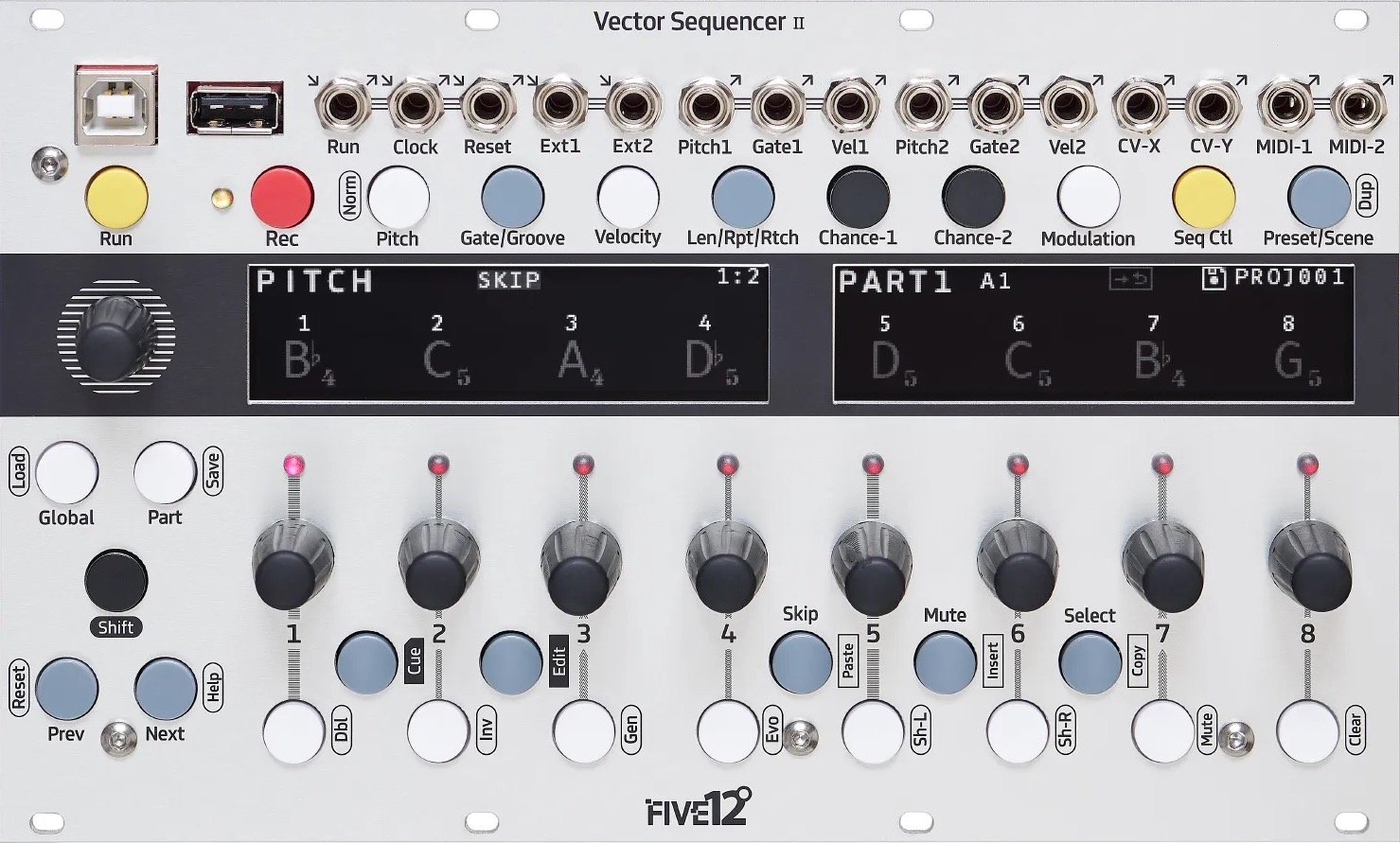
AI generators handle the composition and arrangement, but your studio hardware determines the final polish. You need reliable monitoring to catch artifacts and a stable interface to manage high sample rates. The Five12 Vector Sequencer MK2 shown here represents the kind of tactile control many producers add to their digital workflow.
Focus on audio interfaces with low latency and monitors that reveal frequency clashes. These tools bridge the gap between raw AI output and broadcast-ready tracks. The following hardware options are standard choices for integrating AI stems into a traditional mix.


As an Amazon Associate, we may earn from qualifying purchases.
How to choose the right generator
Picking an AI music tool comes down to two things: what you need to get out of it and what you can spend. The market has split into two camps—those that give you raw MIDI data for your DAW and those that spit out finished audio files. Knowing which camp you belong to saves you from buying software you can't use.


Once you have narrowed it down, look at the ecosystem. Some tools integrate directly with your DAW, while others are standalone web apps. Choose the one that fits your existing workflow rather than forcing a new one.
Common questions about AI music
Producers often hit roadblocks with licensing and file formats when switching to AI tools. Here are the practical answers to the most frequent technical questions.
Can I use AI-generated music commercially?
Most platforms like Suno and Udio grant commercial rights only on paid subscriptions. Free tiers usually restrict usage to non-commercial sharing. Always check the specific terms of service for the tool you choose, as policies shift with model updates.
Do AI music generators export MIDI files?
Current AI music generators rarely export raw MIDI files. They typically provide audio stems (isolated vocal, drum, bass tracks) or full stereo mixes. If you need MIDI for DAW integration, you must use third-party conversion tools to transcribe the audio back into notes, which can be time-consuming.
Is the audio quality good enough for professional production?
Models like Gemini’s Lyria 3 and Suno v5 produce high-fidelity tracks that rival demo-quality recordings. However, they may still lack the nuanced dynamic control of a human engineer. For final masters, you will likely need to run the AI output through your own compression and EQ chains.
No comments yet. Be the first to share your thoughts!